This is an old revision of the document!
Saves
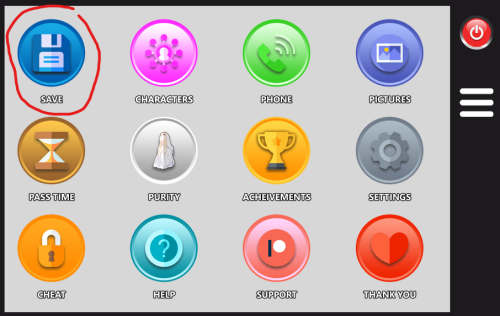
To save or load a game, click the Phone in the top right, then click the Save icon
Save Game
The save will capture the game state when you entered the room.
The Pink colored line is the most recent save.
The numbers are in order of when you saved with 1. being your most recent save.
The last save is the auto save. Each time you go to sleep the game will automatically save your game.
{{:gameplay:save1.png?nolink&500}
(1) To save your game click the Save button.
Load Game
(1) To load a saved game click the Load button (2) To overwrite a previously saved game first delete the one you want to overwrite, then the button will show Save. Click the Save
Export Save
(3) To export a game, or save it to a file, click the far right export symbol. Once clicked you can either copy the text or save it to a file